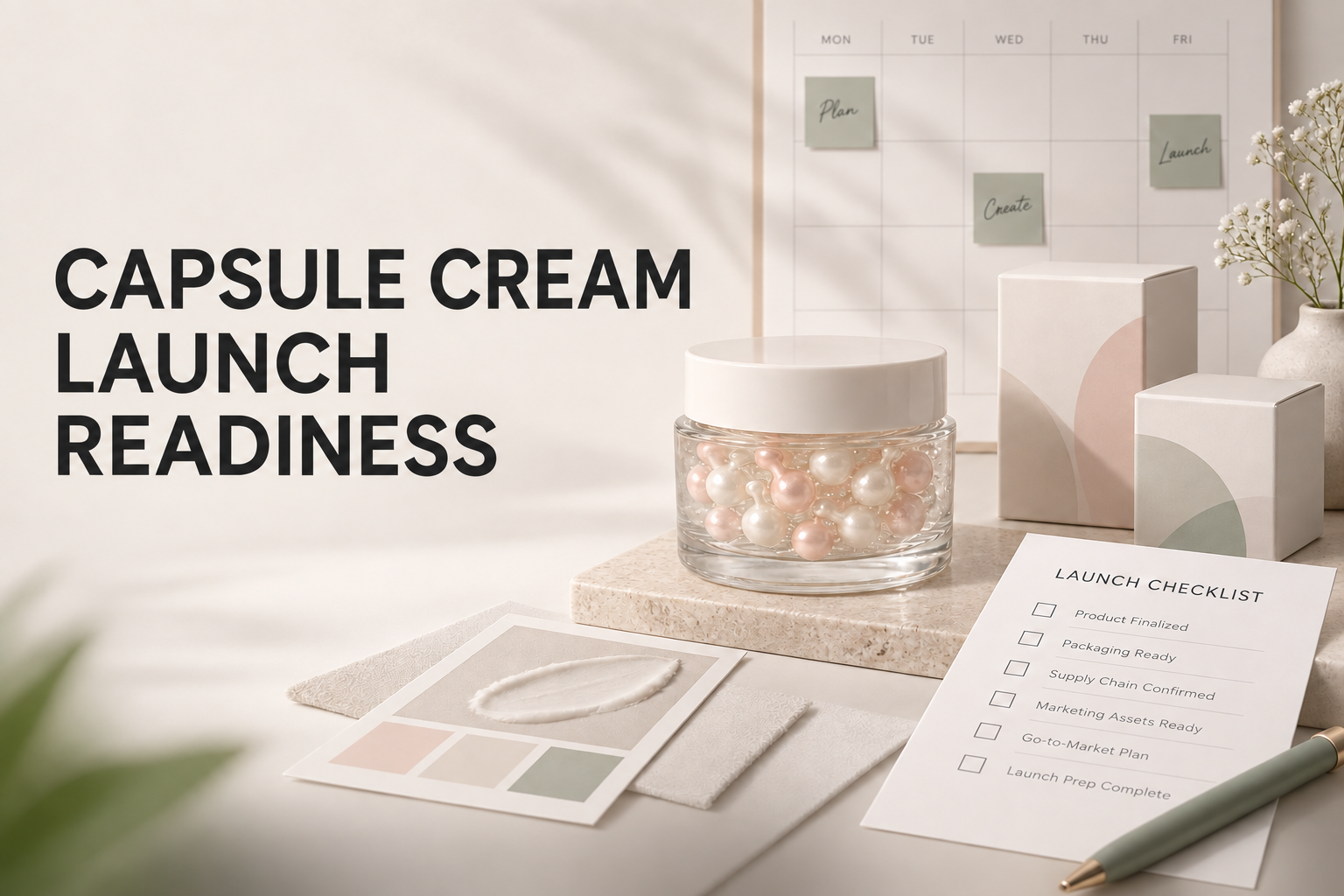
A private label capsule cream retail launch becomes easier to manage when every team works from the same approved product, packaging and content record. The formula concept may be visually distinctive, but a strong launch depends on more than an attractive sample. Buyers need to confirm the exact version, prepare channel-ready assets, align commercial information and decide how unresolved questions will be handled before stock is presented to retailers or distributors.
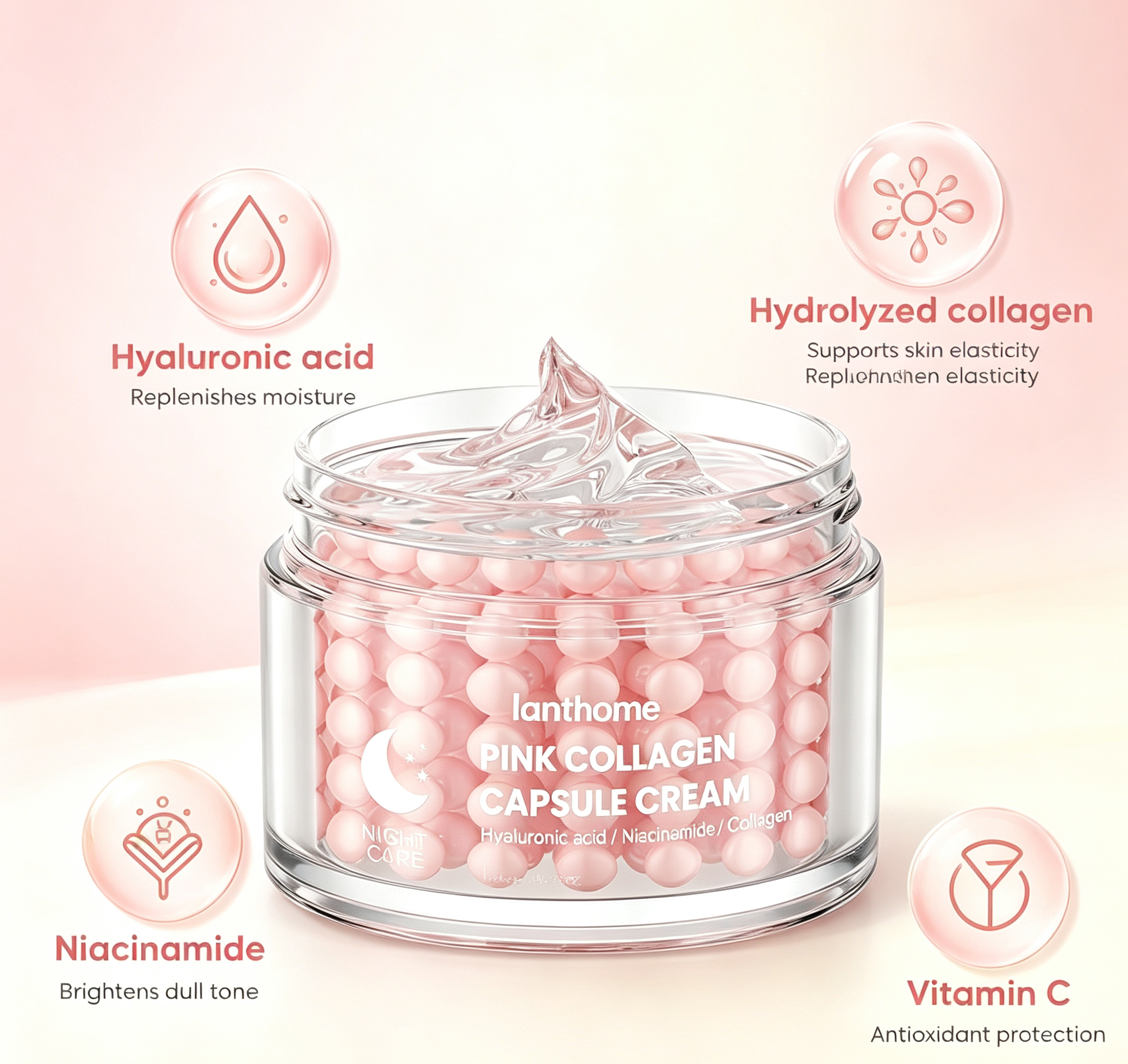
This guide uses the Lanthome PDRN and hyaluronic acid capsule cream catalog reference as a practical starting point. The live page places the item in Face Care, identifies model 1601867450353, and offers OEM, ODM and private label service. Its title provides a PDRN, collagen, hyaluronic acid, jelly and capsule cream direction. The page also advises buyers to confirm the approved sample, packaging specifications, artwork, test documentation and target-market wording before production.
Those details identify a development reference. They do not confirm a complete formula, ingredient concentration, finished capacity, test result, minimum order quantity or retail claim for another brand. The visible specification leaves capacity and numerical MOQ unstated. A launch plan should therefore separate what the catalog verifies from what the project team still needs to approve.
Define what retail-ready means for this project
Begin with the intended sales model. A direct-to-consumer launch, distributor presentation, marketplace listing and physical retail placement each require different assets and decisions. Record the target market, channels, launch date, quantity range and package direction before building a universal checklist.
Translate “ready” into observable conditions. The approved product version should be identified. Packaging and artwork should match that version. Product copy should use reviewed facts. Commercial terms should come from the applicable quotation. Images should show the offer customers will actually receive. Owners should be named for open issues.
Avoid treating production completion as launch completion. A finished product can still lack usable product data, retailer images, an approved FAQ or a process for questions. Conversely, a complete marketing deck does not prove the sample, component or documentation is approved. Track product, package, content, commercial and operational readiness separately.
Lock the product reference before creating assets
Create one launch record containing the supplier reference, sample code, proposed formula reference, packaging configuration and artwork revision. Use the Lanthome model 1601867450353 to identify the catalog starting point, while keeping the customer-specific project reference beside it.
Distinguish a concept sample from the approved version
A capsule cream sample can help a team discuss appearance, texture direction and packaging presentation. It should not be treated as the final product unless the project owner confirms that it represents the approved configuration. Label every sample and image with its status so an early reference does not become an accidental launch promise.
Record changes between versions. If capsule appearance, base texture, container, decoration or instructions change, state which launch assets need another review. Do not rely on the product name alone to signal whether two samples are equivalent.
Assign one owner to maintain the product record and another, if appropriate, to approve customer-facing content. The owners should agree on the exact version before photographers, designers or distributors receive materials.
Confirm the intended product description
The source page classifies the reference as Face Care and uses several ingredient and format terms in its title. Ask the project team to confirm the approved display name, product format and intended application for the finished offer. A catalog title is useful for sourcing identification, but it may be too long or too provisional for retail use.
Decide whether “capsule cream,” “jelly capsule cream” or another reviewed description best matches the offered version. Do not create a technical explanation of the capsules from the image alone. Confirm what the formulation and documentation allow the brand to say.
Keep ingredient callouts connected to the exact formula record. PDRN, collagen and hyaluronic acid appear in the source title, yet the title is not a complete ingredient declaration. Request the applicable information and have proposed retail language reviewed before it enters packaging or advertising.
Use measured cosmetic wording. Moisture support, daily face care, comfort and product-format experience may be useful directions for discussion, but the exact statements still need a basis for the finished item and target market. Avoid medical or guaranteed outcomes.
Approve packaging as a complete retail unit
Review the primary container, closure, decoration, outer carton and any included accessories as one retail configuration. Confirm which items are included and which objects in styled images are merely props. A buyer or customer should be able to understand what arrives in the purchase.
The visible source specification does not state a filled capacity. Obtain the confirmed value and unit for the selected package before final artwork, listings and distributor sheets are released. Do not read a number from a source image or assume that a familiar jar always carries the same amount.
Check that the artwork fits the confirmed component drawing. Review print area, legibility, color references, finish, placement and required content at actual size. A concept rendering can show direction, while a production proof should reflect the exact component and decoration method.
Document how the jar and any carton should be photographed. If the component changes after photography, decide whether existing images remain accurate. Retailers should not receive a hero image that shows a lid, label or carton different from the shipped version.
Prepare a channel-specific content matrix
List each channel and the content fields it requires. Typical needs include a title, short description, long description, approved ingredient information, directions, quantity, image set, alt text, product identifiers and customer-service route. Do not assume that one product-page paragraph can be pasted everywhere.
Keep one approved source of truth
Create a master content record containing the approved facts and current wording. Channel files can adapt length and structure, but they should link back to the same source. If a retailer requests a new field, add the answer to the controlled record after review instead of creating an isolated response.
Mark provisional text clearly. A working line in a creative brief should not be copied into a live marketplace listing before approval. Give each field a status and owner so the launch team can see what is ready, pending or blocked.
Include restrictions as well as approved copy. If a claim, certification, test statement or commercial promise is not supported, record that boundary. It is easier to prevent inconsistency when partners understand which shortcuts they must avoid.
Build the retail image set around the actual offer
Plan images according to the sales channel and the confirmed package. A useful set may include a clean front view, alternate angles, texture or format detail, package contents and a scale or handling view when appropriate. Each image should have a purpose and should remain accurate for the sold configuration.
Use the source catalog image as a reference for identifying the product, not as automatic approval for a new brand's final presentation. Existing printed wording, logos or claims should not be copied into customer artwork without project-specific review.
For a capsule cream, the internal appearance may be an important format cue. Confirm that the photographed sample represents the production reference and that lighting or editing does not create a misleading color, capsule count or texture impression. Record the sample code used during the shoot.
Write descriptive alt text that identifies the visible product without adding unsupported benefits. Alt text should help people understand the image, not become a hidden location for keyword stuffing or unreviewed claims.
Complete the claims and copy review
Collect every proposed statement from packaging, product pages, image text, retailer bullets, line sheets, advertisements and distributor decks. Match each statement to a source and responsible reviewer. Consider the combined impression of words, images, icons and layout.
Treat ingredient percentages, measured improvements, timing claims, certifications, testing language and comparisons as specific review items. Do not add precision because it sounds persuasive. If the project record does not support a statement, revise it, remove it or hold it until the needed information is reviewed.
Check that the application area remains consistent. The source page places the product in Face Care. If the project intends another presentation, confirm that change rather than allowing creative assets to imply it. Directions and imagery should describe the same approved use.
Review translations against the approved source meaning. A fluent translation can still strengthen a statement or introduce a new promise. Keep each translated version linked to the source copy and approval status.
Verify directions and customer guidance
Prepare directions from the approved product information for the exact version. Do not invent amount, frequency, sequence or combination advice from the category, title or appearance of the jar. Confirm that packaging, product pages and retailer fields use consistent guidance.
Create a short customer FAQ covering product identification, package contents, where to find ingredient information, how to access approved directions and where to send unresolved questions. The FAQ should not replace missing product decisions or offer personal medical advice.
Give customer-service staff a clear escalation route. Questions about individual conditions, reactions, unexpected appearance or potentially compromised packaging need an owner. A launch team should know how to collect the product reference and relevant observations without making unsupported conclusions.
Test the FAQ with colleagues who did not write it. If they cannot identify the right answer or owner, improve the source record before launch rather than relying on memory.
Align commercial information with the exact configuration
Use the current quotation for price, order quantity, sample conditions and schedule. The catalog reference does not publish a numerical MOQ, so the retail launch plan should not assume one. Confirm commercial details for the chosen formula, component, decoration and market.
Separate internal costs from partner-facing terms. A distributor sheet may need a specific price basis, case configuration or ordering process. Give those fields owners and effective dates. Do not copy commercial details from a different product because the jar looks similar.
Record dependencies. Artwork approval may affect the production sequence; final product information may affect listings; photography may depend on receiving the correct package. A realistic plan shows which tasks cannot start until an earlier decision is complete.
If dates remain tentative, present them as project planning information rather than firm commitments. Update the launch calendar when the responsible team confirms changes.
Prepare retailer and distributor handoff files
A partner handoff should make the approved offer easy to understand and hard to misrepresent. Include the current product name, identifiers, package facts, approved descriptions, image links, directions, contact route and effective date. Remove draft files from the shared folder.
Provide a concise “use only these assets” note and identify superseded materials. Distributors frequently build their own listings, so a clean source package reduces the chance that an old claim or mockup returns after launch.
Ask partners to send material questions through the designated contact. A structured question is easier to answer when it names the market, channel, proposed wording and placement. The Lanthome inquiry page can be used to share the initial project context and specific development questions.
Track which partners received each release. If content changes, the team can identify who needs updated files instead of assuming that everyone automatically has the latest version.
Test the buying journey before launch
Review the live or staged journey from discovery to inquiry or purchase. Confirm that the title, images, quantity, package contents and description agree. Follow every internal link and call to action. Check that the related product does not replace or confuse the item being launched.
Test common questions on desktop and mobile. Make sure essential information remains readable and image crops do not hide the product. Verify that contact or inquiry forms reach the intended team and that the product reference is preserved in the handoff.
Inspect metadata as well as visible copy. The SEO title, description, canonical URL, keywords and image alt text should describe the same product and should not introduce unsupported language. Avoid duplicating another product's slug or metadata simply to save time.
Record issues and owners. A launch rehearsal is useful only if findings lead to a decision, correction or accepted limitation before the public release.
Run a final cross-functional launch gate
Bring product, packaging, content, commercial and operations owners together for a final status review. Each owner should confirm the version and evidence within their area. A general “approved” message is less useful than a checklist tied to specific records.
Use clear gate outcomes
Mark each area ready, ready with a stated condition, or blocked. Conditions should include an owner and deadline. A visually complete product page should not override a missing capacity, unapproved direction or unresolved package mismatch.
Confirm that the actual retail unit matches the product record. Confirm that live assets match the released content set. Confirm that partner files are current. Confirm that customer questions have a route. Confirm that post-launch monitoring has an owner.
If the gate is blocked, keep the record and revise the same materials. Do not create a new product identity merely to bypass unresolved work. The goal is a coherent launch, not a date achieved at the cost of accuracy.
Monitor the first launch period and maintain the record
After release, collect recurring questions, retailer corrections, content issues and packaging observations. Separate normal information requests from evidence of a wider inconsistency. Route each issue to the appropriate owner and record the decision.
Update the master content record when approved facts or instructions change. Then update the channels and partners that depend on it. Keep a short revision note so teams understand what changed and why.
For a new capsule cream project, begin with the Lanthome reference, model 1601867450353 and the Face Care classification. Ask the project team to confirm the offered formula information, intended product description, capacity, package, artwork, documentation and applicable commercial terms. Once those foundations are aligned, the launch team can build accurate assets, prepare partners and release the product with a clear source of truth.
Related Links
- Lanthome PDRN and hyaluronic acid capsule cream reference- Review the source product and identify details that need project-specific confirmation.
- Product catalogue- Explore the site's skincare development references.
- OEM and ODM development- Read the site's development information.
- About Lanthome- Learn about the company behind the site.
- Product inquiry- Share your target market, launch timing and product questions.
- Buyer journal- Browse additional sourcing and brand-development guides.
- Private label ceramide cream claims review checklist- Review product statements before packaging and channel content are released.